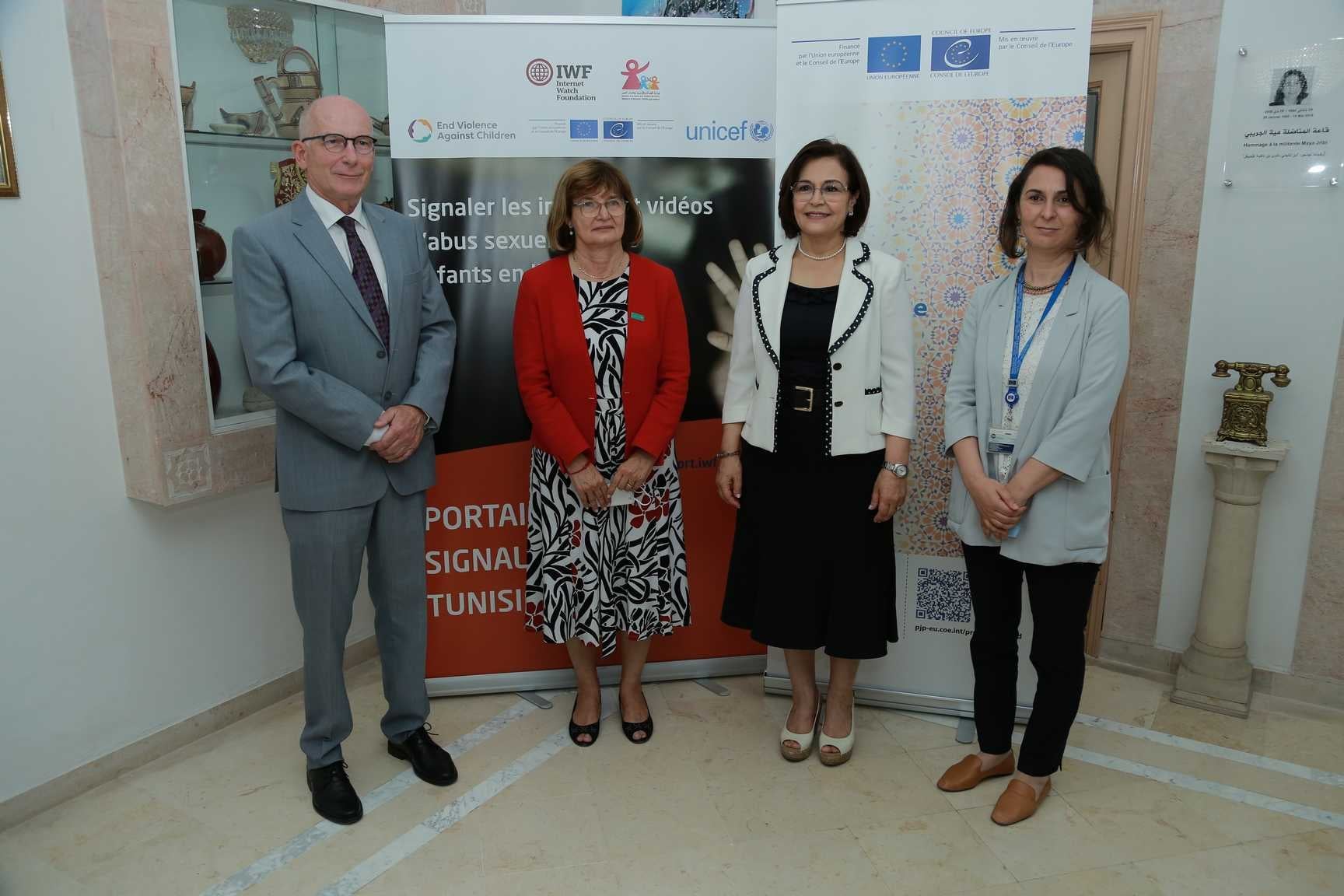
Case study: Multi-institutional portal project in Tunisia
The IWF Reporting Portal in Tunisia shows the importance of working with multiple partners to efficiently fight against child sexual abuse material.


An IWF portal offers protection for your internet users and helps defend children and victims of abuse online.

It’s a low-cost, quick to set up, centralised service, linked to our experts.

It gives direct access to our IWF team, a global network of reporting portals and latest tech thinking.

We work independently from, but together with the tech community, police forces, governments and charities, globally.
The IWF Reporting Portal in Tunisia shows the importance of working with multiple partners to efficiently fight against child sexual abuse material.